
Waiting is the cost you feel, leftover access is the one an auditor finds
👋 A new engineer starts on Monday.
🎫 Four tickets go out: cloud account, cluster, pipeline, monitoring.
⏳ By Thursday, three are done. The fourth waits for someone on holiday.
🔑 Meanwhile, a colleague who left in spring can still log in to two of them.
Nobody did anything wrong. Access is granted tool by tool, so it's removed tool by tool too. Nothing ties it to the role a person actually has today, and the usual fix, another approval step, only makes the wait longer.
Access follows the role, not the request

One role, every tool
A role carries access to everything the work needs: the cloud account, the cluster, delivery and monitoring. It takes effect as soon as it's assigned, and new environments are registered automatically.
Access that changes when people do
When someone joins, changes team or leaves in your identity system, their access changes with them. Each team sees only its own resources, so the default is less access, not more.
Teams manage their own access, on record
The team's authorised people grant roles in their own workspaces, while identities stay in your central directory. Every change is kept in the same uneditable record as releases.
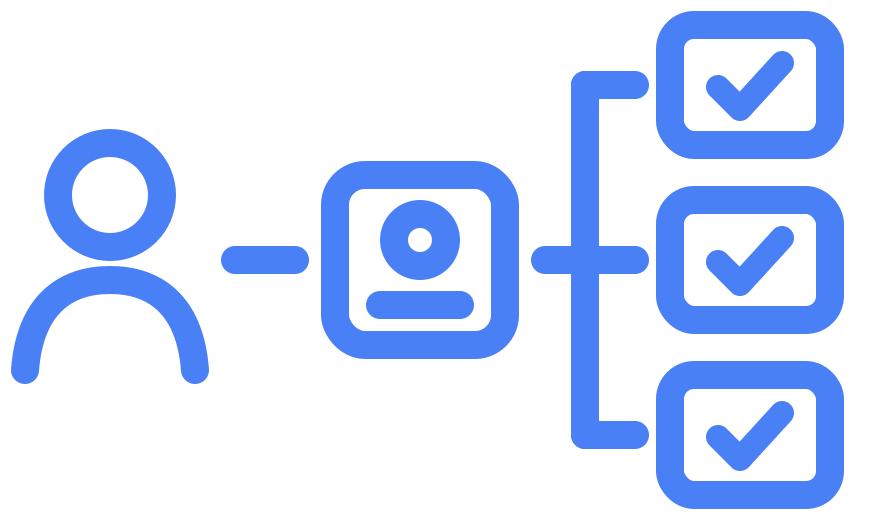
Connect what you already use, then map what's already there
The connection
The platform connects to the identity system you already use, such as Microsoft Entra ID, Okta or Google Workspace, over the standard SAML and SCIM protocols.
Examples:
- Groups in your identity system become platform roles.
- A new starter added there gets access the same day.
- Removing someone there removes their platform access.
The inventory
Before anything is replaced, we take stock of who can reach what today. In a growing organisation, access builds up over years and across many systems, so the picture is spread out. We put it together with your team leads, so nothing anyone needs is switched off by surprise.
Examples:
- Personal accounts created by hand in each tool.
- Shared logins used by several people.
- Long-lived keys nobody remembers creating.
Move over without locking anyone out
Your effort: your identity owner connects the system; team leads confirm the role map.
1

List current access: personal accounts, shared logins, long-lived keys.
2

Connect your identity system and agree the role map with team leads.
3

Put new team spaces on single sign-on from day one.
4

Move existing environments one at a time, removing manual credentials as you go.
Your identity system stays the source of truth
How you start
The platform manages who can reach your cloud infrastructure and the platform itself. Your applications keep their own user logins, and your identity system stays where it is.
How you leave
People and roles live in your identity system, not in ours. If you stop using the platform, there's no user list to migrate.
Old access doesn't survive the move
As each environment moves onto the platform, manual logins and long-lived keys are retired, and access is tied to roles from then on. Shared accounts and access kept after a team change go with them. The clean-up isn't a separate project. It happens as part of moving over.

Erki Arus
Platform implementation lead,
[PLACEHOLDER] New engineers used to spend most of their first week waiting for access, one ticket per tool. Now they get one role and start on day one. When people change teams, their old access goes with the old role.
See where access could follow roles instead of requests

Jürgen Käsper

Business Development
Focused on your goals, timeline, and commercial context. They'll map Entigo's value to your specific organisation and make sure the conversation moves at the right pace.

Rein Remmel
CEO
A technical expert who can go deep on architecture, compliance requirements, Kubernetes internals, CI/CD pipelines, and integration patterns: whatever matters most to your engineering team.
Bring one approval process to a 30-minute demo session. We'll show you which parts a platform could check and which still need a person.
What to expect:
- Bring one recent new starter. List what they needed access to, and we'll trace how each piece was granted.
- Leave with a draft role map. You'll see which tools one role could cover, what's held by hand today, and what connecting your identity system would take.
- If you'd like your identity or IT owner to join, feel free to forward the calendar invite.



info@entigo.com | (+372) 600 6130 | Veerenni 40a, Tallinn, 10138